01
Windows POS
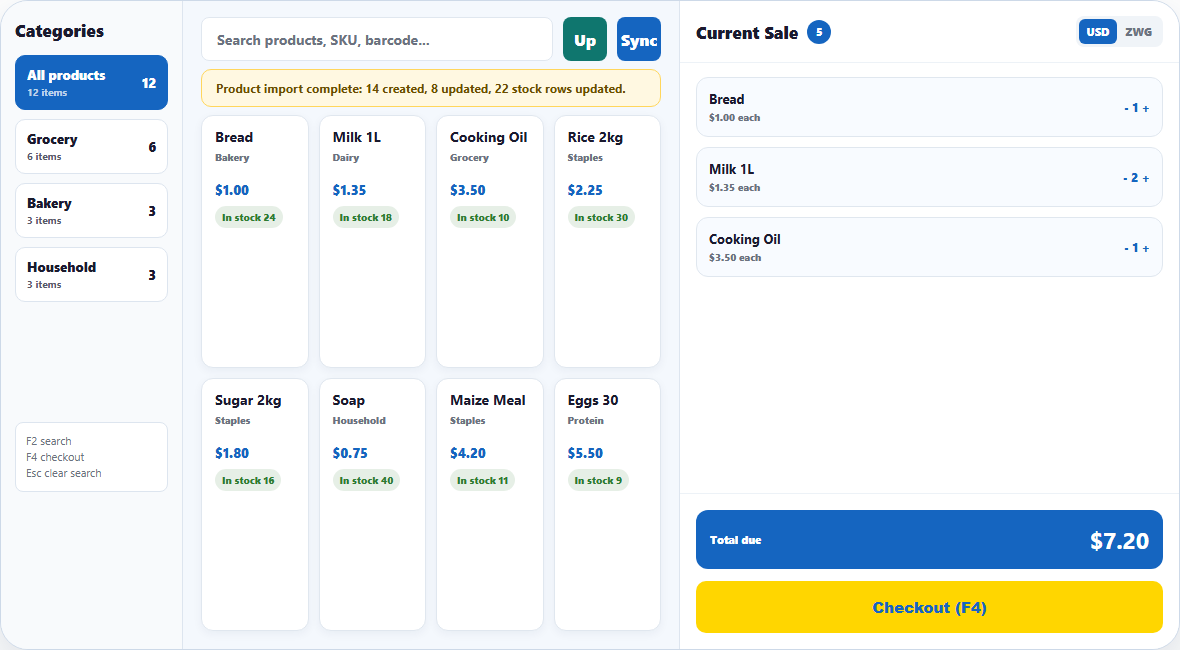
Fast checkout, barcode search, cashier shifts, 80mm receipts, returns, and offline-ready selling.
Explore featureRetail Zim connects sales, stock, payments and reports in one powerful platform built for Zimbabwean businesses.
Give cashiers a fast checkout, managers accurate stock, and owners a clear view of performance.
Fast checkout, barcode search, cashier shifts, 80mm receipts, returns, and offline-ready selling.
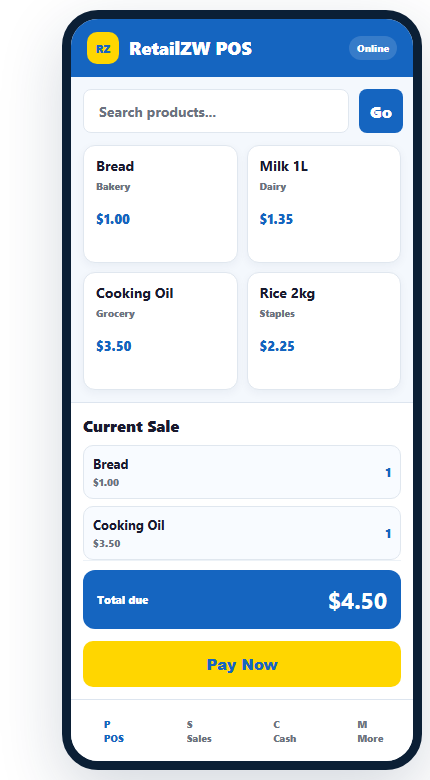
Explore featureSell from an Android phone, check stock, build carts, and serve customers anywhere in the shop.
Explore featureImport products, monitor quantities, investigate variances, transfer stock, and receive purchases.
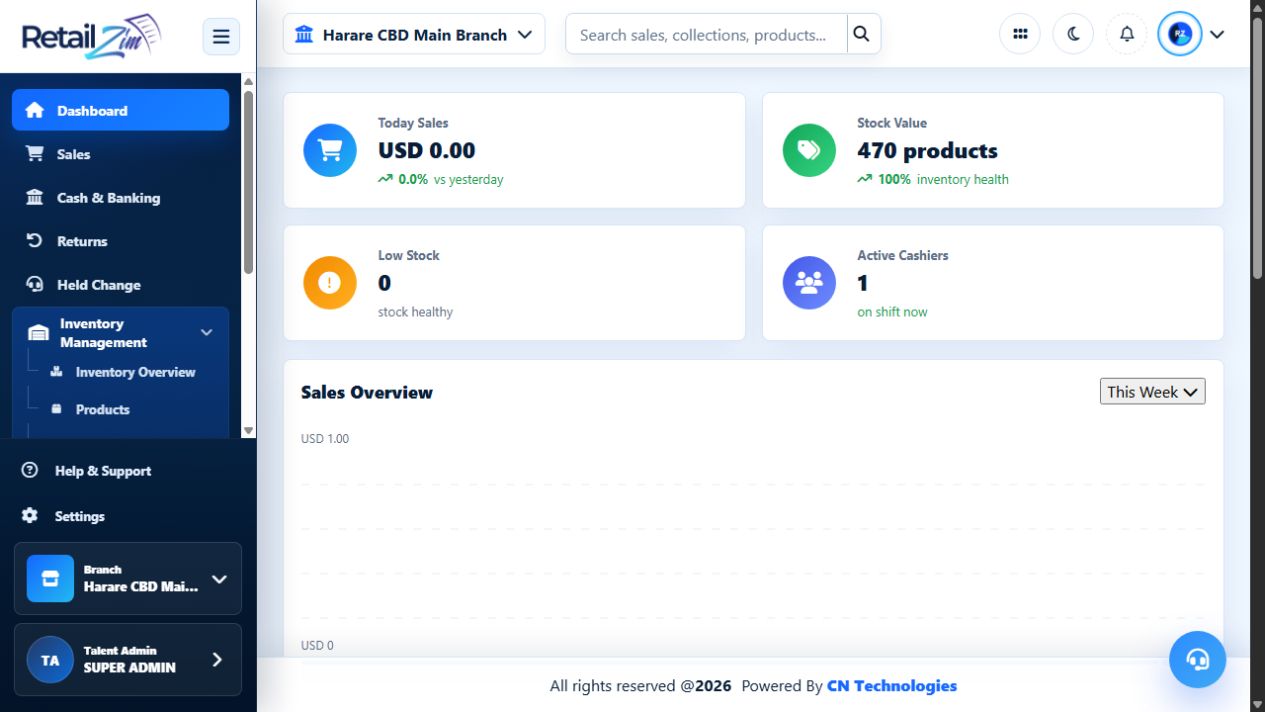
Explore featureTrack today's sales, stock health, cashier activity, recent sales, and branch performance.
Explore featureRecord cash, EcoCash, card, bank transfer, customer-account, and split-tender payments.
Explore featureManage branches, users, suppliers, purchasing, wholesale prices, customers, and reports.
Explore featureFast product search, barcode sales, shifts, payments and receipt printing for your main till.
Sell, look up products and check stock from an Android phone without leaving the customer.
Monitor sales, inventory health, cashiers, recent activity and branches from one secure workspace.
Follow a clear onboarding path your owner, managers and cashiers can understand.
Connect your sales, stock and team with Retail Zim.